 FlyyLink
Android, meet your computer.
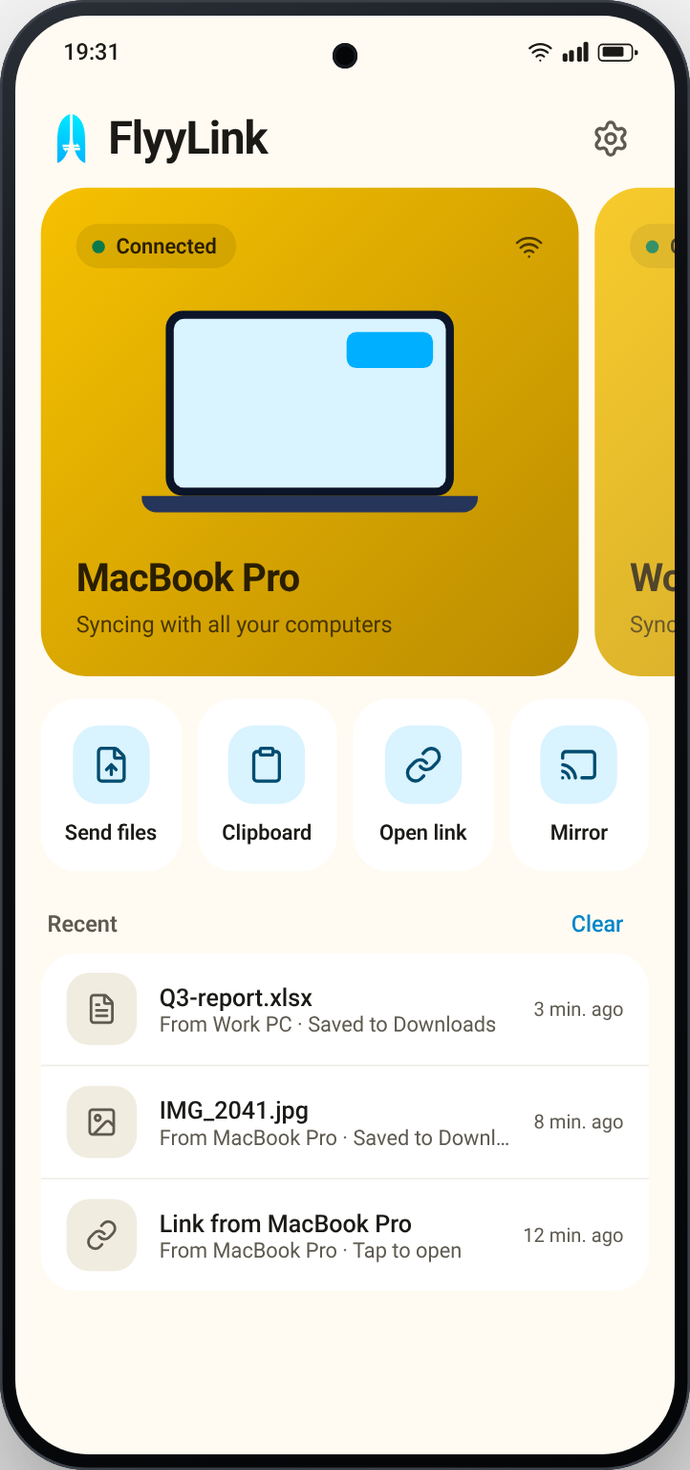
Texts, calls, notifications, files and photos from your phone, on your Mac or PC.
Free on Android. 14 days free on Mac and PC, then pay once.
Put the phone down. Keep up anyway.
Notifications
Reply from your keyboard.
Texts
Read and reply.
Calls
Answer on your computer.
Files
Any size, from any app.
FlyyDrop
Send to anyone nearby.
Screen mirroring
Use your phone from your computer.
Photos
Your latest shots, on your computer.
Clipboard
Copy on one, paste on the other.
Find your phone
Ring it, even on silent.
Music and battery
Play, pause, skip, and check the battery.
Several phones
Pair as many as you like.
Computer to computer
Share files and the clipboard between Macs and PCs.
No Wi-Fi? Still works.
Connects through your phone's hotspot.
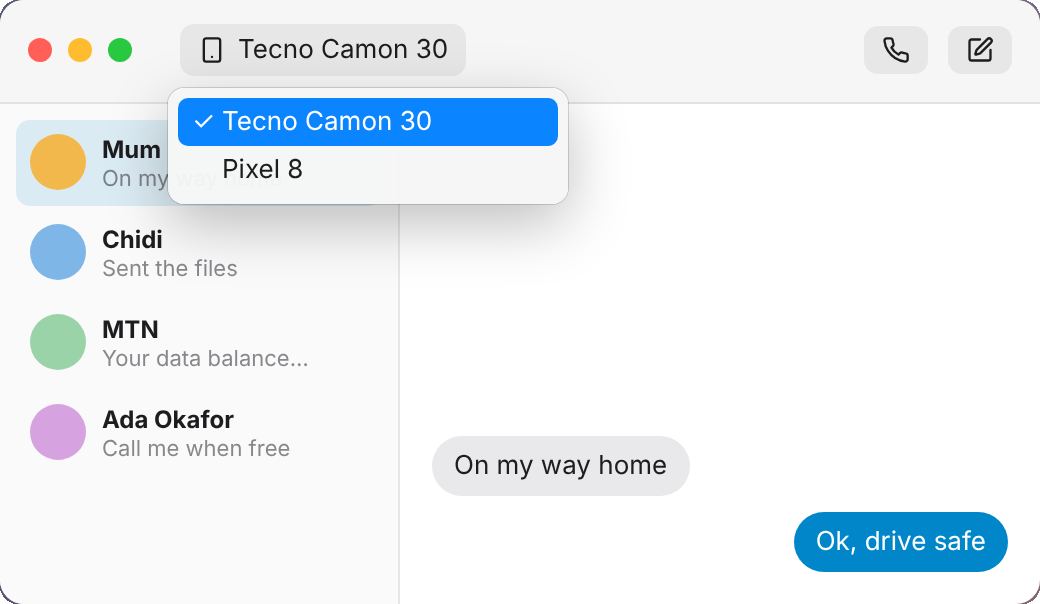
Texts and calls on your computer.
- Reply from your keyboard
- Answer or decline calls
- Talk through your Mac

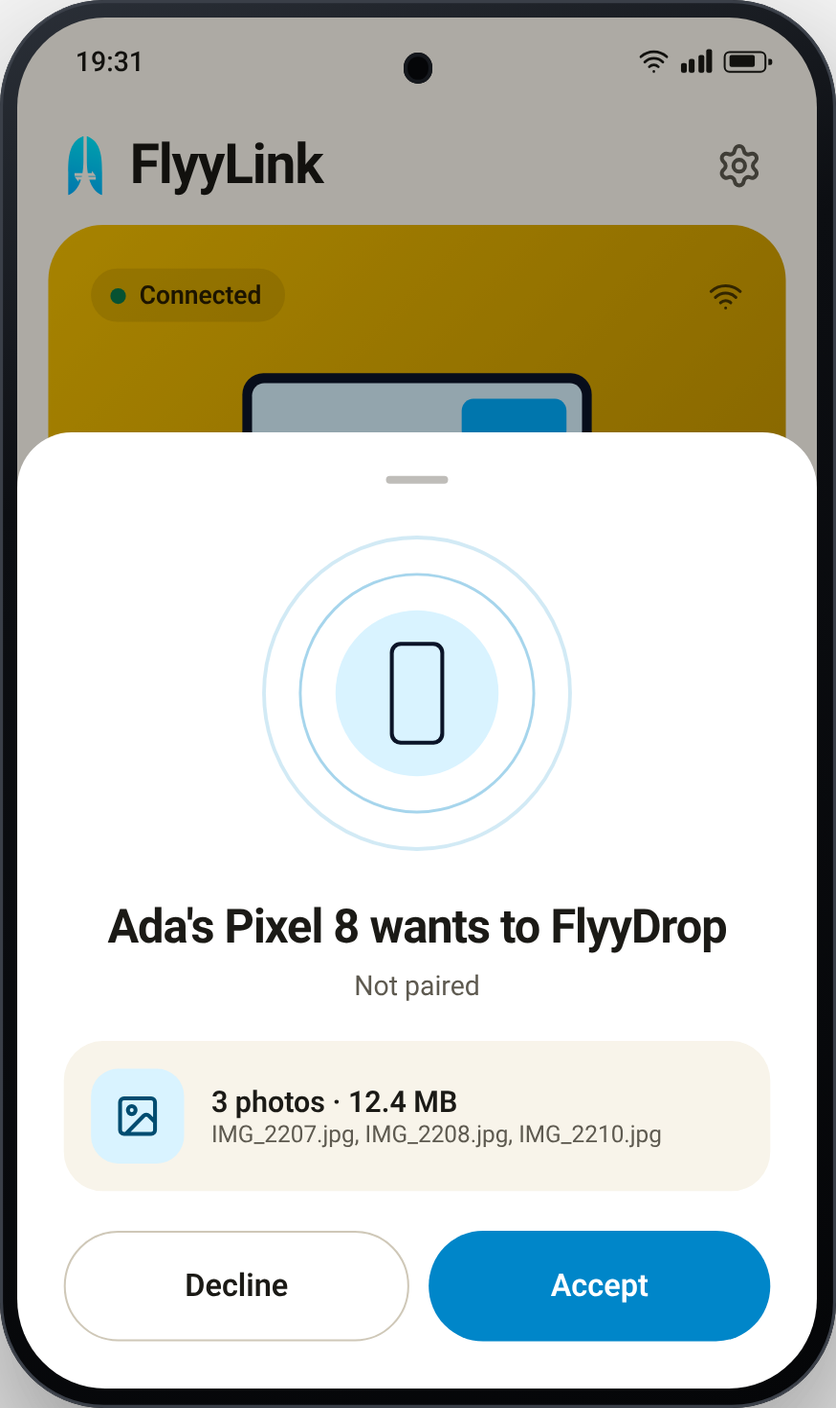
Send to anyone nearby.
- Phones, Macs and PCs
- You choose who can send to you
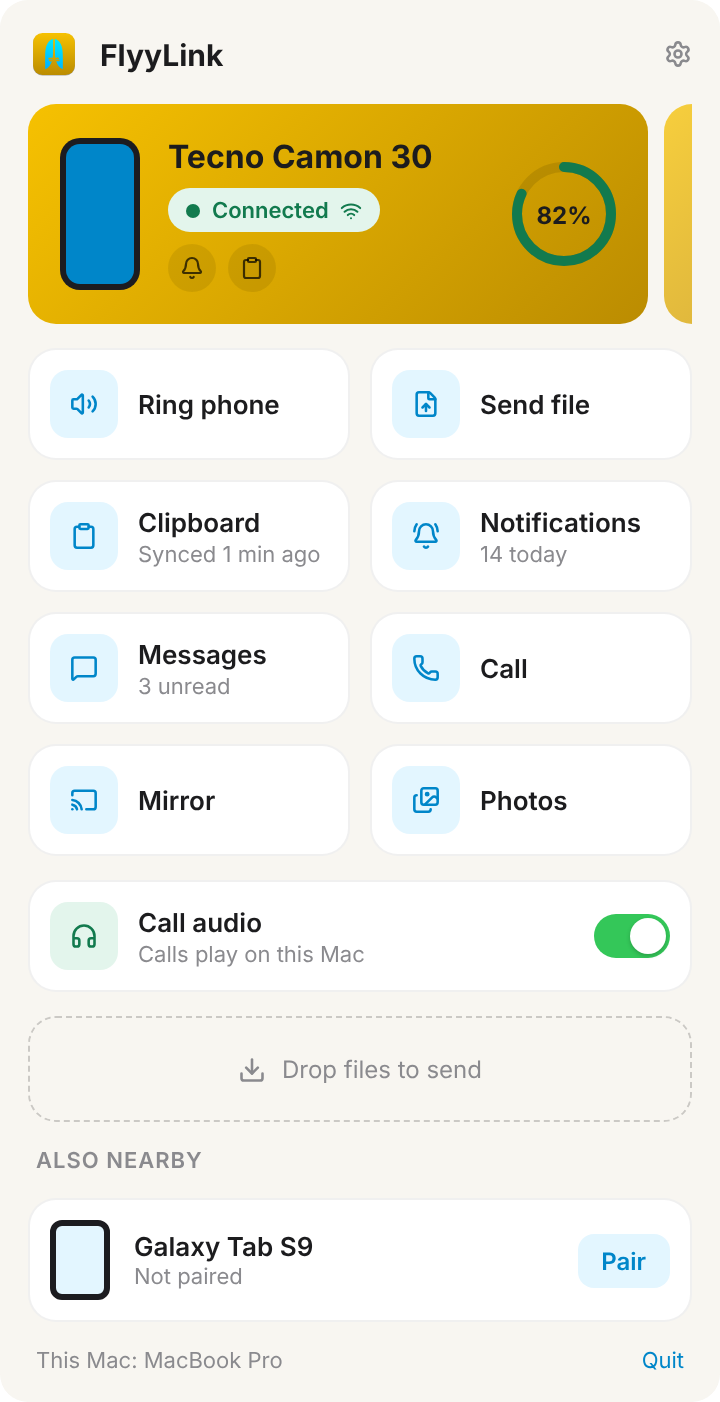
All your phones and computers.
- Pair as many as you like
- Switch with a swipe
Use your phone from your computer.
FlyyLink uses Android's AccessibilityService API to pass your clicks and typing to the phone. It's off until you agree and turn it on, works only while you mirror, and collects or shares no data.
- With sound
- Mouse and keyboard
Your stuff stays yours.
Up and running in a minute.
Install
Phone and computer.
Same Wi-Fi
Or join your phone's hotspot.
Pair once
Check the code matches.